
How to play:
Ensure you have a compatible device. The GeForce NOW app supports Android phones, tablets, and TV devices that meet the requirements, as well as most Chromebooks with adequate RAM.
Download and install the GeForce NOW app from the Google Play Store.
Launch the app and sign in with your GeForce NOW account. If you're new, sign up on our website.
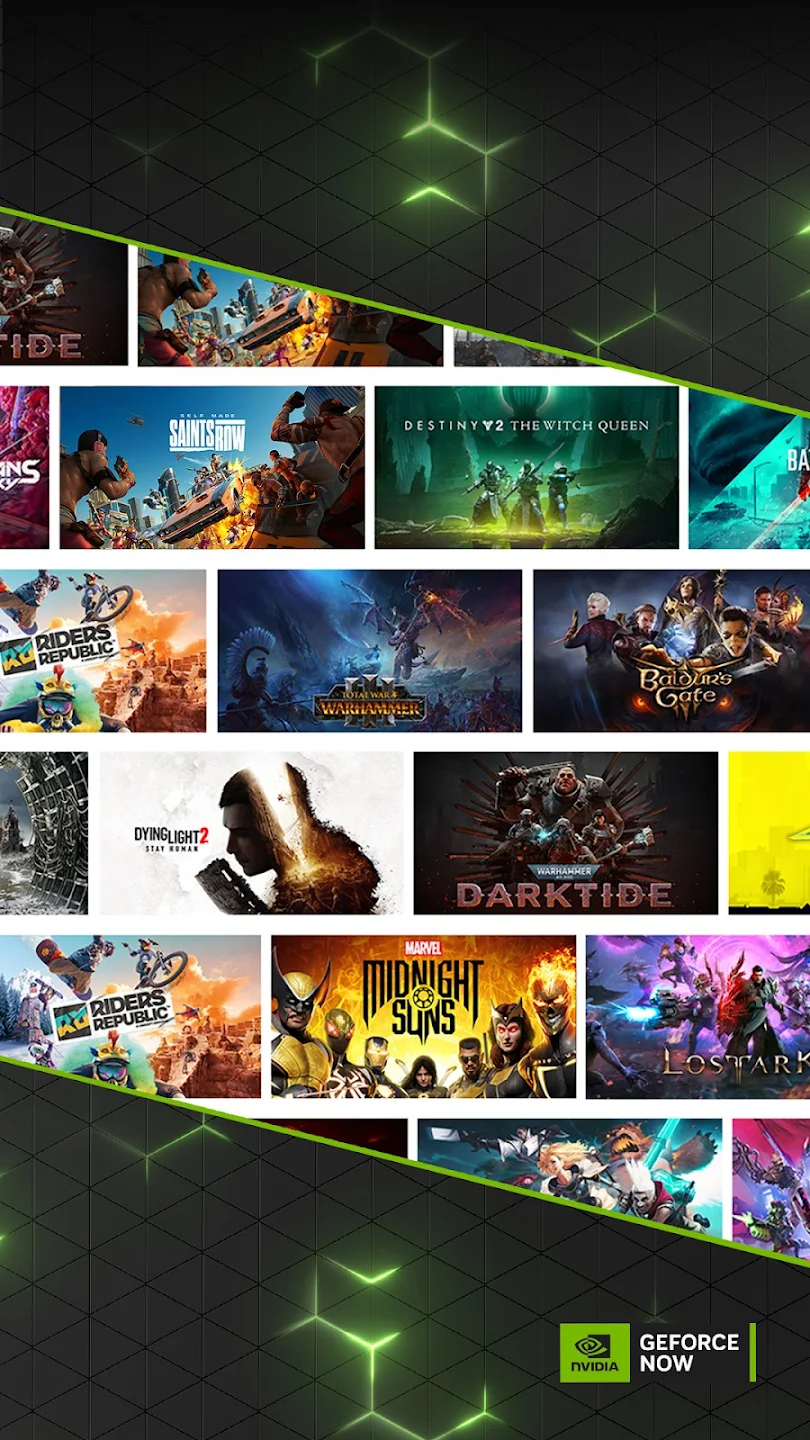
Upon signing in, you'll see the list of available games. Browse or search for specific titles.
Select a game from the list and initiate gameplay. If you own the game on supported digital stores like Steam or Epic Games Store, you'll be prompted to link your accounts for access to your existing library. If not, you can purchase the game directly from supported stores.
After selecting a game, the app will connect you to a server where the game is installed. This may take a moment. Once connected, the game will launch on your device.
Enjoy your gaming experience using on-screen controls or connect a compatible game controller for optimal gameplay.
Immerse yourself in the world of PC gaming on your Android device with GeForce NOW!
Note: For the best gaming experience, ensure a stable internet connection. We recommend a 5GHz WiFi or Ethernet connection with a minimum speed of 15Mbps.
Remember, GeForce NOW requires a membership for streaming. Start with our free membership or upgrade for premium features and benefits. Visit our website for more information on membership options.